Cloud ERP is generally hosted by a provider and accessed over the internet, while traditional ERP is commonly installed and managed on a company's own infrastructure. The right choice depends on your business size, budget, IT capabilities, security requirements, growth plans, and operational priorities.
Table of Contents
1. What Is Cloud ERP?
Cloud ERP is an enterprise resource planning system delivered through cloud infrastructure. Instead of requiring the business to maintain its own ERP servers, the software is hosted in a provider-managed environment and accessed through the internet.
Modern Cloud ERP platforms can bring accounting, sales, purchasing, inventory, HR, CRM, reporting and other business processes into a connected environment. This gives employees access to shared business information without requiring the organization to operate a dedicated ERP server room.
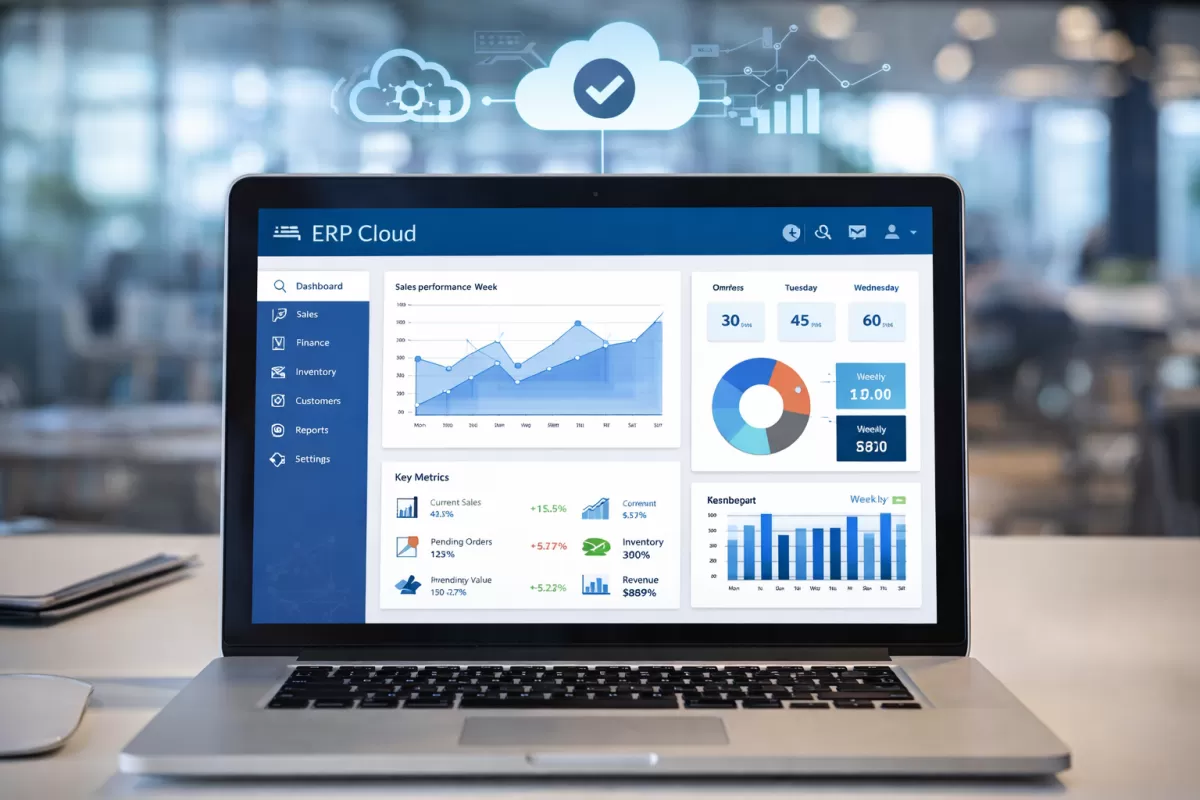
Cloud ERP can also make it easier to scale users and capabilities as business requirements change. Depending on the provider and service model, software updates, infrastructure maintenance, backups and security responsibilities may be handled largely by the provider.
2. What Is Traditional ERP?
Traditional ERP usually refers to ERP software installed on company-owned servers or infrastructure, often called an on-premises ERP system. The organization is responsible for operating the underlying hardware, database environment, networking and much of the software maintenance.
This model can provide organizations with a high level of control over their infrastructure and deployment environment. However, that control also means the business may need dedicated technical resources to manage servers, backups, updates, security patches and system performance.

Traditional ERP can still make sense for organizations with established infrastructure, specialized regulatory requirements, specific customization needs, or internal IT teams capable of managing the complete environment.
3. Cloud ERP vs. Traditional ERP: Cost and Ownership
Cost is one of the biggest differences between Cloud ERP and Traditional ERP. A traditional deployment can require significant investment in servers, storage, networking, software licensing, implementation and ongoing maintenance.
Cloud ERP commonly uses a subscription-based model. Instead of buying and maintaining the complete infrastructure, the business pays for access to the service. This can reduce the initial infrastructure investment and make technology spending more predictable.
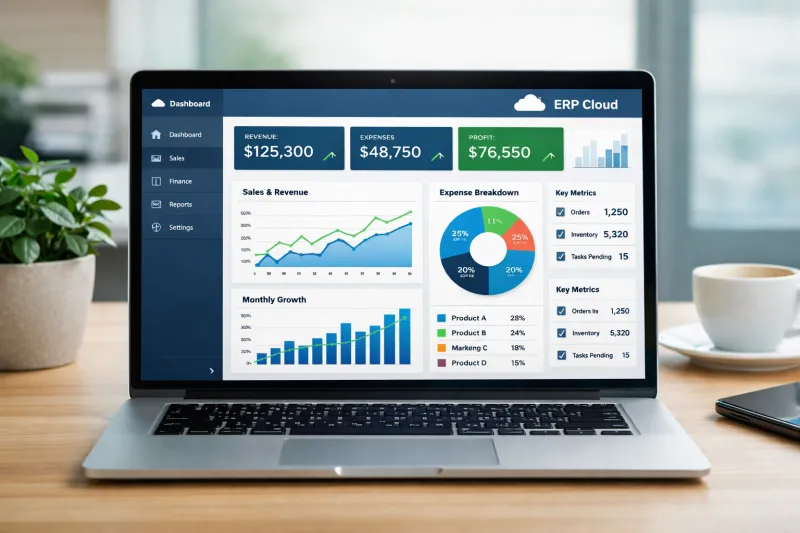
However, businesses should not compare only the monthly subscription against the initial license price. A proper evaluation should consider the total cost of ownership, including hardware, IT staff, upgrades, security, backups, implementation and support.
| Cost Area | Cloud ERP | Traditional ERP |
|---|---|---|
| Initial Infrastructure | Usually lower because provider infrastructure is used. | May require servers, storage, networking and other hardware. |
| Payment Model | Commonly subscription-based. | Often involves software licensing plus infrastructure and maintenance costs. |
| IT Infrastructure | Mostly managed by the cloud provider. | Primarily managed by the business or its IT partner. |
| Upgrades | Usually included in the cloud service. | Often requires internal planning and technical resources. |
4. Accessibility, Scalability and Business Growth
Modern businesses often operate across multiple offices, branches, warehouses and remote teams. Cloud ERP can provide browser-based access from different locations, allowing authorized employees and managers to work with business information without being physically connected to the company's local server.
Scalability is another important consideration. Cloud environments can make it easier to add users, capabilities or infrastructure resources as business requirements change. Traditional ERP environments may require additional hardware, configuration and IT planning when the organization expands.

Cloud ERP
Easier remote access, flexible scaling and faster expansion across locations when the service is properly configured.
Traditional ERP
Offers direct infrastructure control but expansion may require additional hardware, configuration and technical resources.
5. Maintenance, Updates and Security
ERP software needs regular maintenance to remain reliable and secure. This includes software updates, security patches, database maintenance, infrastructure monitoring and backup management.
With Cloud ERP, many of these infrastructure responsibilities are handled by the service provider. This can reduce the operational burden on an internal IT team and help businesses stay current with software improvements.
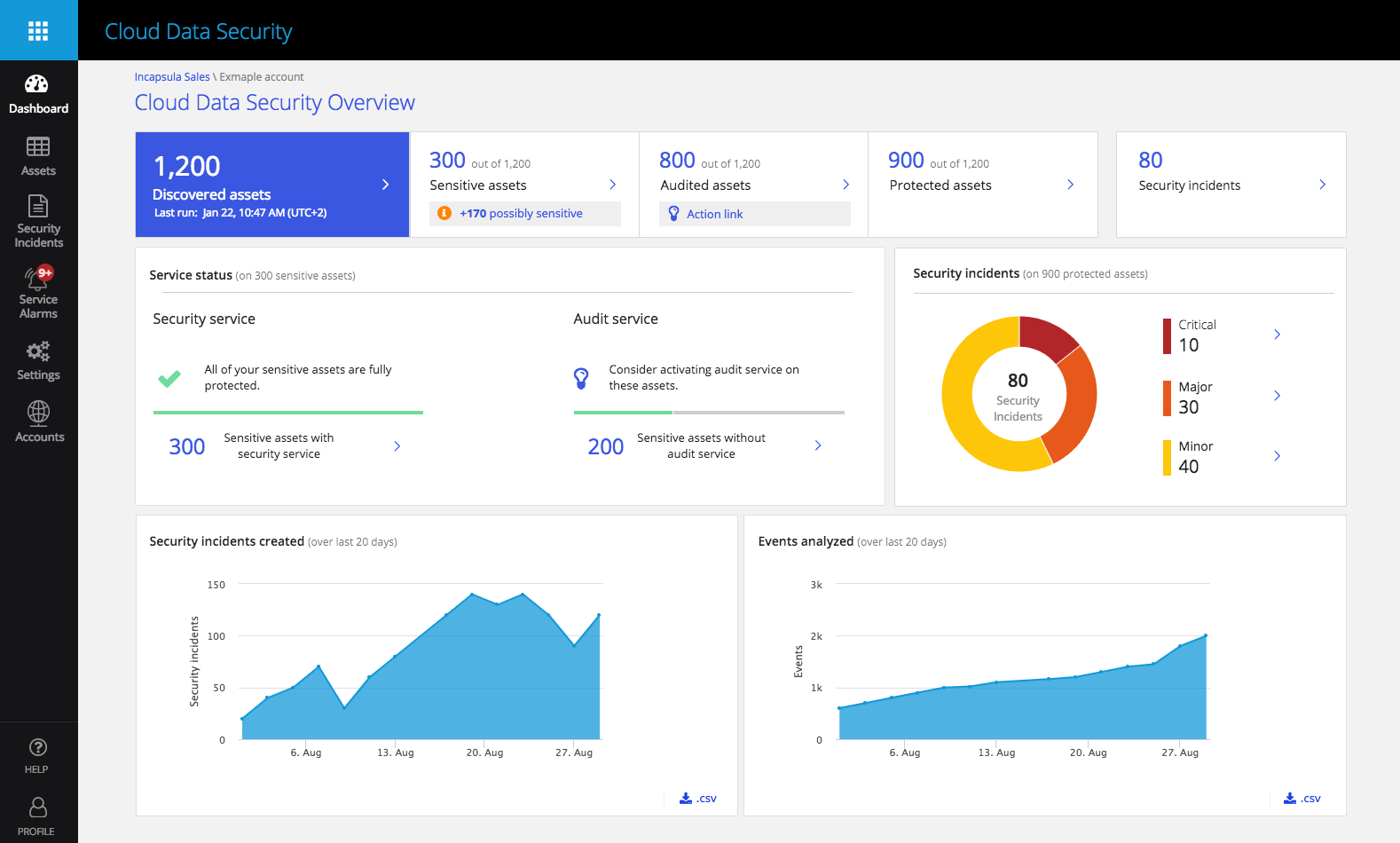
Traditional ERP gives the organization more direct control over its infrastructure, but that also means the organization is responsible for implementing and maintaining its security controls, backup strategy, updates and infrastructure monitoring.
Security should therefore be evaluated based on the actual provider, architecture, access controls, encryption, backup strategy, compliance requirements and internal IT capabilities—not simply by choosing "cloud" or "on-premise."
6. Customization, Control and Business Requirements
Customization can be an important factor when choosing an ERP system. Some businesses operate with highly specialized processes that require specific workflows, integrations or reporting structures.
Traditional ERP can provide deep control over the infrastructure and deployment environment. This may be valuable for organizations that require extensive control over system architecture or have an experienced technical team.
Cloud ERP, however, increasingly supports configurable workflows, modular functionality, APIs and integrations without requiring the business to manage the underlying infrastructure itself. The best approach is to distinguish between genuine business requirements and unnecessary customization.
Configuration
Adapt workflows, roles, dashboards and business rules to operational requirements.
Integration
Connect ERP with CRM, e-commerce, payment, HR and other business applications.
Business Processes
Select an ERP model that supports the way your organization actually operates.
7. Which ERP Model Should Your Business Choose?
There is no universal ERP deployment model that is perfect for every organization. The right choice depends on business priorities, infrastructure, budget, regulatory requirements, IT capabilities and future growth plans.
For many growing businesses, Cloud ERP can be attractive because it reduces infrastructure responsibilities, supports remote access and provides a more flexible path for scaling. Organizations with substantial existing infrastructure or highly specific control requirements may still have reasons to consider traditional ERP.
| Business Requirement | Cloud ERP | Traditional ERP |
|---|---|---|
| Lower upfront infrastructure investment | Strong fit | Higher initial infrastructure requirements |
| Remote and multi-location access | Strong fit | May require additional remote-access infrastructure |
| Existing internal IT infrastructure | Still possible | Can be a strong fit |
| Provider-managed updates | Strong fit | Usually managed internally |
| Maximum infrastructure control | Depends on provider and deployment model | Strong fit |
| Fast business expansion | Strong fit | May require additional infrastructure planning |
Cloud ERP or Traditional ERP: A Simple Decision Guide
Consider Cloud ERP If...
- You want lower infrastructure responsibility.
- Your employees need remote or multi-location access.
- Your business is growing and needs flexible scalability.
- You want regular updates without managing server infrastructure.
- You prefer predictable subscription-based technology spending.
- You have a small or lean internal IT team.
Consider Traditional ERP If...
- You already operate significant internal IT infrastructure.
- Your business requires extensive infrastructure control.
- Your organization has specialized deployment requirements.
- You have an experienced technical team for maintenance.
- Specific regulatory or organizational requirements favor local infrastructure.
- Your existing ERP environment continues to meet business needs effectively.
How to Choose the Right ERP Deployment Model
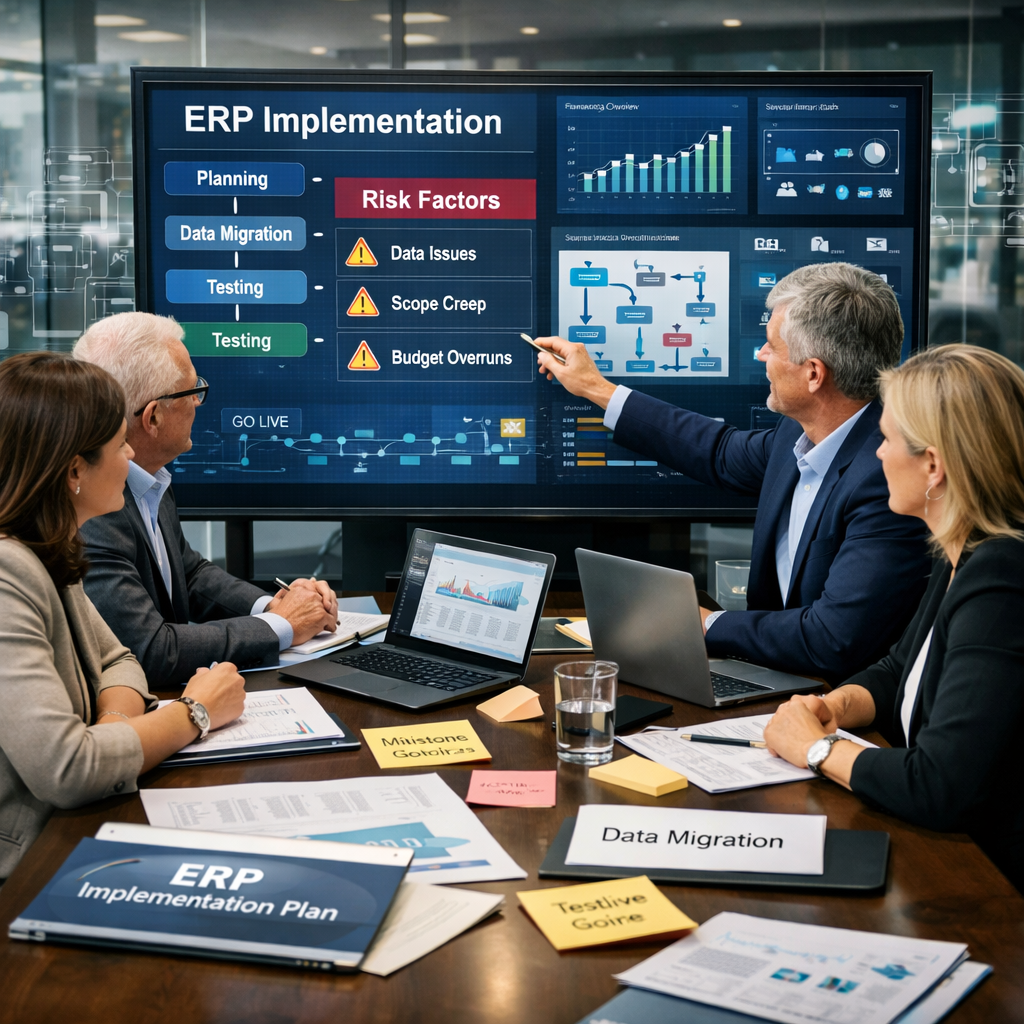
Before replacing an ERP system, businesses should evaluate their actual operational requirements instead of choosing a deployment model based only on technology trends.
Assess Business Needs
Review accounting, sales, inventory, HR, procurement, reporting and integration requirements.
Evaluate Infrastructure
Review existing servers, networks, IT staff, security controls and technical capabilities.
Compare Total Cost
Consider software, hardware, implementation, maintenance, upgrades, support and IT resource costs.
Check Security
Review access control, encryption, backups, monitoring, compliance and data protection requirements.
Plan for Growth
Determine how the ERP should support additional users, branches, warehouses and business processes.
Test Before Choosing
Request a demo and test real workflows using realistic business scenarios before making a final decision.
Cloud ERP Selection Checklist
If your business is considering a move to Cloud ERP, review these requirements before selecting a platform.
- Real-time accounting and financial reporting
- Sales, purchase and inventory integration
- Multi-branch and multi-warehouse support
- Role-based user access and permissions
- Secure data storage and automated backups
- Mobile and browser-based accessibility
- CRM, payment and third-party integrations
- Configurable approval workflows
- Scalable users and business modules
- Reliable implementation, training and support
- Transparent pricing and total cost of ownership
Conclusion
Cloud ERP and Traditional ERP both have their place in the business technology landscape. The difference is not simply about where the software runs—it is about how the business manages infrastructure, costs, updates, access, security and future growth.
Cloud ERP can be a strong option for businesses looking for flexible access, scalable infrastructure, lower internal IT responsibilities and continuous software updates. Traditional ERP may remain suitable for organizations that require greater infrastructure control, already have significant IT resources, or operate under specific technical or regulatory constraints.
The best decision is therefore the one that aligns the ERP deployment model with your actual business requirements, budget, IT capabilities and long-term growth strategy.
Ready to Move Toward a Smarter ERP?
Explore how a modern Cloud ERP platform can help your business connect operations, improve visibility and scale with confidence.
Explore Cloud ERP