
When these systems work together, sales teams can spend less time searching for information and more time building customer relationships, managing opportunities and closing deals.
Table of Contents
- 1. Creates a Complete Customer View
- 2. Gives Sales Teams Real-Time Product and Inventory Visibility
- 3. Speeds Up Quotes and Order Processing
- 4. Reduces Manual Data Entry and Sales Errors
- 5. Improves Customer Follow-Up and Service
- 6. Improves Sales Forecasting and Reporting
- 7. Helps Sales Teams Close Deals Faster
- How ERP and CRM Integration Works
- What to Look for in an Integrated ERP & CRM Solution
1. Creates a Complete Customer View
Sales teams need more than a customer's name and contact details. They often need previous orders, quotations, invoices, payment history, product interests and previous interactions before making an important sales decision.

ERP and CRM integration brings customer-facing information and operational business data closer together. Sales representatives can therefore understand the wider customer relationship before preparing a quotation or following up on an opportunity.
A connected customer view can also help sales managers identify important accounts, inactive customers and opportunities that require immediate attention.
2. Gives Sales Teams Real-Time Product and Inventory Visibility
Sales representatives need to know whether products are available before promising quantities or delivery dates to customers. Without connected systems, they may have to contact inventory or operations teams before confirming an order.
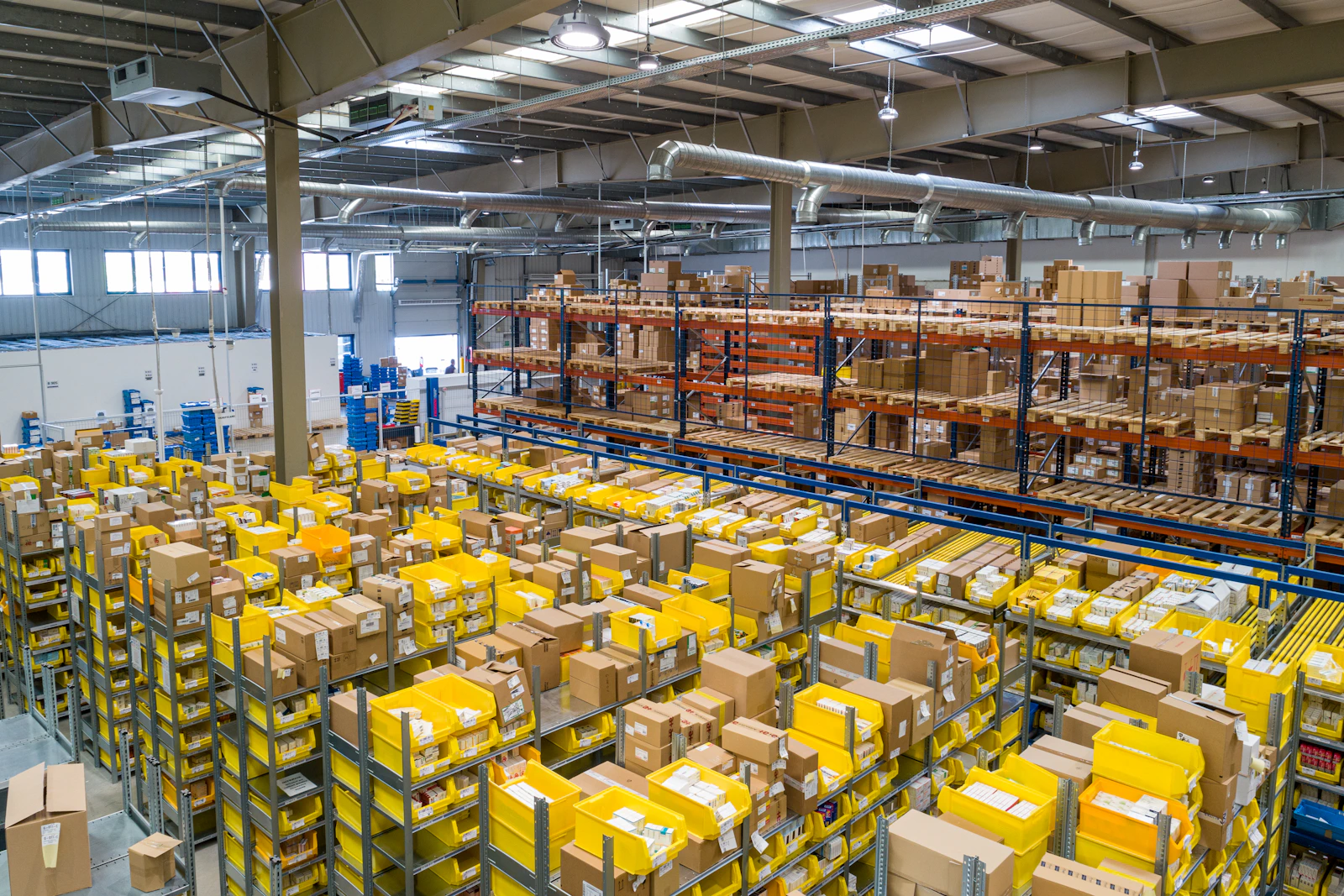
With ERP and CRM integration, relevant inventory and product information can be available to sales teams alongside customer and opportunity information.
This can help sales representatives recommend available products, provide more realistic delivery expectations and reduce the risk of accepting orders without sufficient stock.
3. Speeds Up Quotes and Order Processing
A successful sales opportunity eventually needs to move from quotation to sales order, fulfillment, invoicing and payment. Delays often happen when sales and operational systems are disconnected.

An integrated environment can reduce repetitive data entry between CRM and ERP workflows. Customer, product and pricing information can move through the sales process with fewer manual steps.
This creates a smoother path from opportunity to order and helps sales, operations and finance teams work from connected transaction information.
4. Reduces Manual Data Entry and Sales Errors
When CRM and ERP systems operate separately, employees may need to copy customer names, product information, prices, discounts and order details from one system to another.
Customer Data
Customer details can remain synchronized across sales and operational systems.
Product Data
Product information, pricing and availability can be shared with sales teams.
Order Data
Sales orders, invoices and payment information can move through connected workflows.
Reducing duplicate data entry can help improve data consistency and reduce avoidable administrative work. Sales representatives can spend more time communicating with customers instead of maintaining multiple versions of the same information.
5. Improves Customer Follow-Up and Service
Customers expect sales teams to understand their previous interactions and current business activity. If information is scattered across multiple systems, answering simple questions can take longer.

ERP and CRM integration can give customer-facing employees better visibility into quotations, orders, fulfillment status and customer history.
For example, when a customer asks about an order, a sales representative may be able to access relevant order information without repeatedly contacting another department.
Faster access to business information can contribute to quicker customer responses and a smoother overall customer experience.
6. Improves Sales Forecasting and Reporting
CRM systems provide important sales information such as leads, opportunities, pipeline stages and expected revenue. ERP systems provide additional information about orders, inventory, invoices and financial performance.

Connecting these data sources gives managers a broader picture of sales performance. Management can compare pipeline activity with actual orders, revenue, inventory availability and customer purchasing activity.
This can help businesses identify stalled opportunities, understand sales trends and make better decisions about sales targets, inventory and resources.
7. Helps Sales Teams Close Deals Faster
The ultimate goal of ERP and CRM integration is to create a smoother sales process. When sales representatives have access to customer, product, pricing, inventory and order information, they can respond to opportunities with greater confidence.

Faster access to accurate information can reduce delays during quotation, approval and order processing. Sales teams can spend less time switching between systems and more time engaging prospects and customers.
Over time, these improvements can contribute to a more efficient sales operation and a more consistent customer journey.
Key Sales Benefits of ERP and CRM Integration
Unified Customer Data
Sales and operational teams can work with consistent customer information across connected systems.
Faster Sales Processes
Connected data can reduce unnecessary steps between opportunities, quotations and orders.
Better Inventory Visibility
Sales teams can make better commitments using current product and inventory information.
Fewer Data Errors
Less duplicate entry can reduce inconsistencies in customer and transaction records.
Better Forecasting
Combined sales and operational data supports more informed sales forecasting.
Better Collaboration
Sales, finance, inventory and operations can work from connected business information.
ERP + CRM Integration vs. Disconnected Systems
| Sales Activity | Disconnected Systems | Integrated ERP + CRM |
|---|---|---|
| Customer Information | Customer records may exist separately in CRM and ERP. | Customer information can be synchronized across connected systems. |
| Inventory Check | Sales may need to contact inventory or operations. | Sales can access relevant inventory availability. |
| Quotation | Pricing and product information may require manual verification. | Sales can work with connected product and pricing information. |
| Order Processing | Order information may need to be entered again. | Order information can flow into ERP workflows. |
| Reporting | Sales and finance reports may show different information. | Sales and operational information can be analyzed together. |
How ERP and CRM Integration Works
A connected sales process can link customer engagement with operational and financial activities. A typical workflow can move through the following stages:
Lead
A prospect enters the CRM and the sales process begins.
Opportunity
Sales tracks the opportunity, follow-ups and expected revenue.
Quotation
Product, pricing and customer information are used to prepare the quotation.
Sales Order
A successful quotation moves into the order process with fewer manual steps.
Fulfillment
ERP handles inventory, delivery and operational fulfillment activities.
Invoice & Payment
Financial information is recorded and relevant payment status can be available to sales.
What to Look for in an Integrated ERP & CRM Solution
Businesses should evaluate integration based on their sales process, operational requirements, security needs and future growth plans.
- Reliable synchronization between ERP and CRM
- Centralized customer and account information
- Product, pricing and inventory visibility
- Sales quotation and order synchronization
- Invoice and payment status visibility
- Sales pipeline and revenue reporting
- Role-based access and secure data sharing
- API or supported integration capabilities
- Duplicate data prevention
- Scalable architecture for future business growth
Conclusion
ERP and CRM integration can transform the way sales teams work by connecting customer relationships with the operational information required to fulfill those relationships.
Instead of treating sales, inventory, orders and finance as separate processes, an integrated environment creates a more connected journey from lead to quotation, order, fulfillment, invoice and payment.
For growing businesses, this connected approach can reduce manual work, improve data visibility, support faster customer responses and give management better information for sales planning and decision-making.
Ready to Connect Sales With Your Business Operations?
Discover how an integrated ERP and CRM solution can help your business connect customers, sales, inventory, orders and finance in one smarter workflow.
Explore ERP Solutions