Managing inventory becomes increasingly difficult as a business grows. More products, warehouses, suppliers, sales channels, and stock movements can make it difficult to know exactly what is available, where it is located, and when it needs to be replenished. ERP inventory management brings these activities together in one connected system, helping businesses maintain accurate stock records, reduce stock-related errors, and improve control over inventory.
In This Article
1. Provides Real-Time Stock Visibility
One of the biggest advantages of ERP inventory management is real-time visibility into stock levels. Instead of relying on spreadsheets or manually updated stock reports, businesses can view inventory information from a centralized system.
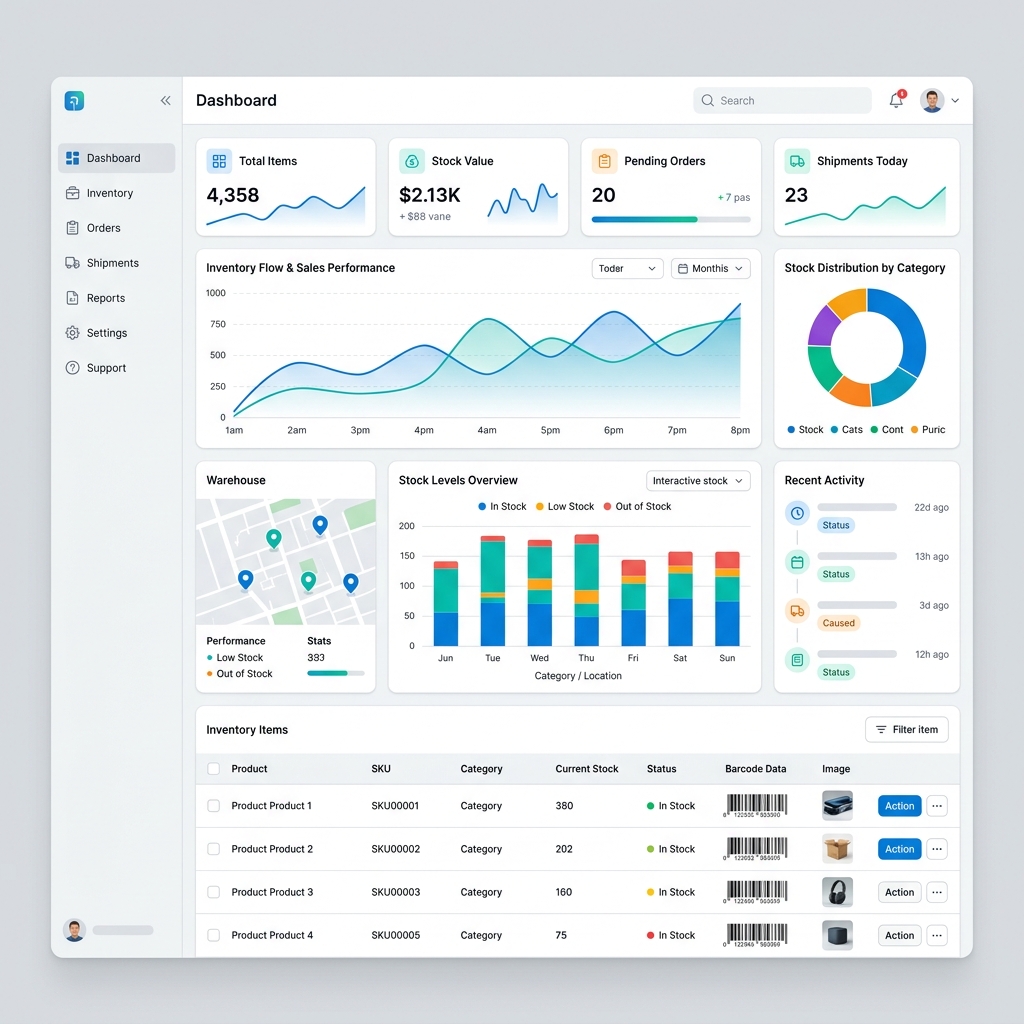
When products are purchased, received, transferred, sold, or adjusted, inventory records can be updated as part of the connected business workflow. This gives sales, purchasing, warehouse, and management teams a more consistent view of available stock.
Real-time visibility is particularly valuable when businesses operate multiple sales channels or warehouses because teams can check stock availability without waiting for manual updates.
2. Improves Multi-Warehouse Stock Control
Businesses with multiple warehouses, branches, stores, or distribution locations need to know how much inventory is available at each location. Managing this information manually can quickly become complicated.
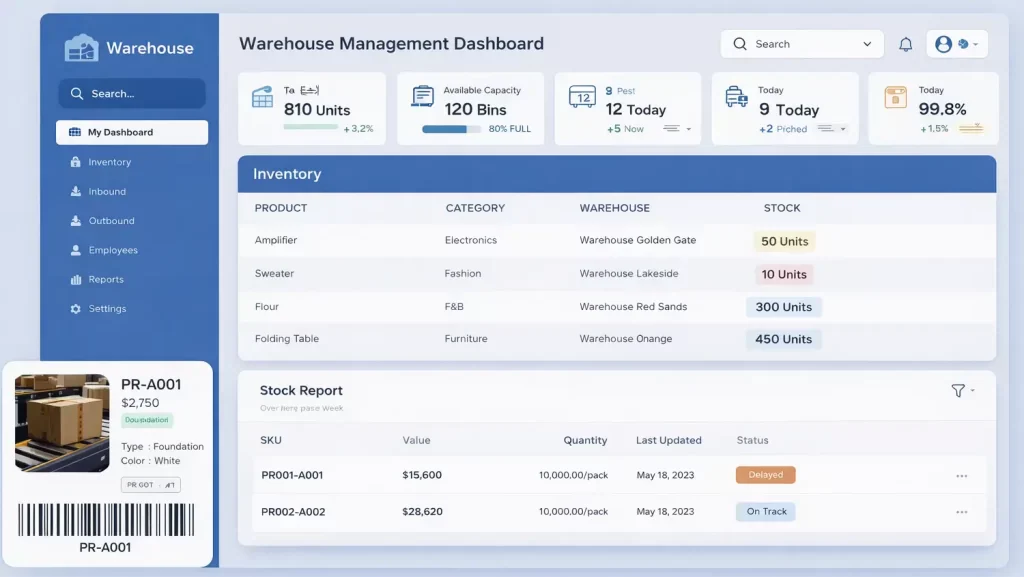
ERP inventory management allows businesses to organize stock by warehouse or location. Teams can monitor available quantities, identify low-stock locations, and manage transfers between warehouses from a centralized system.
Multiple Locations
Monitor inventory across warehouses, branches, outlets, and other storage locations.
Stock Transfers
Record and control stock movement from one warehouse or location to another.
Location Visibility
Quickly identify where products are stored and how much stock is available at each location.
3. Improves Inventory Accuracy
Inaccurate stock records can cause serious operational problems. A system may show that an item is available when the physical warehouse has already run out, or it may show excess stock that does not actually exist.
ERP inventory management helps keep stock information connected with purchasing, sales, warehouse operations, transfers, returns, and adjustments.
| Manual Stock Control | ERP Inventory Management |
|---|---|
| Stock records updated manually | Inventory updated through connected transactions |
| High dependence on spreadsheets | Centralized inventory database |
| Difficult to track stock movements | Detailed stock movement history |
| Frequent manual reconciliation | Better synchronization between business processes |
4. Speeds Up Barcode-Based Stock Operations
Manual product identification and stock entry can take time and create avoidable data-entry errors. Barcode scanning provides a faster way to identify products during receiving, picking, transfers, sales, and stock counting.
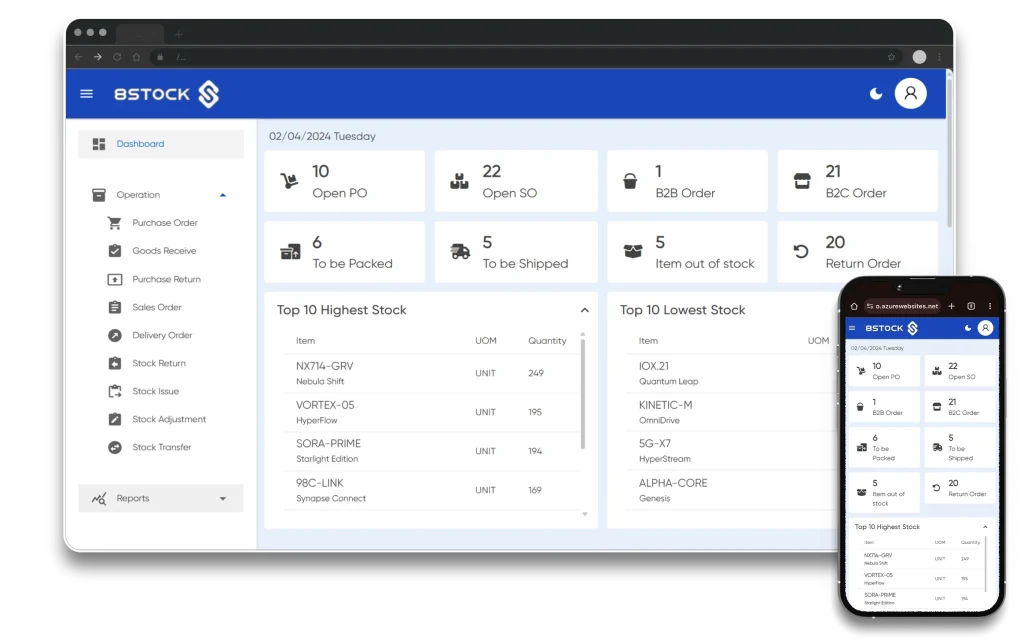
When barcode technology is connected with an ERP inventory system, warehouse teams can scan products and update the corresponding inventory records as part of the operational workflow.
This can reduce repetitive product searches, improve picking efficiency, and help keep physical stock information aligned with digital records.
5. Enables Smarter Reordering and Stock-Level Control
Keeping too little inventory can lead to stockouts and missed sales. Keeping too much inventory can tie up working capital and increase storage costs.
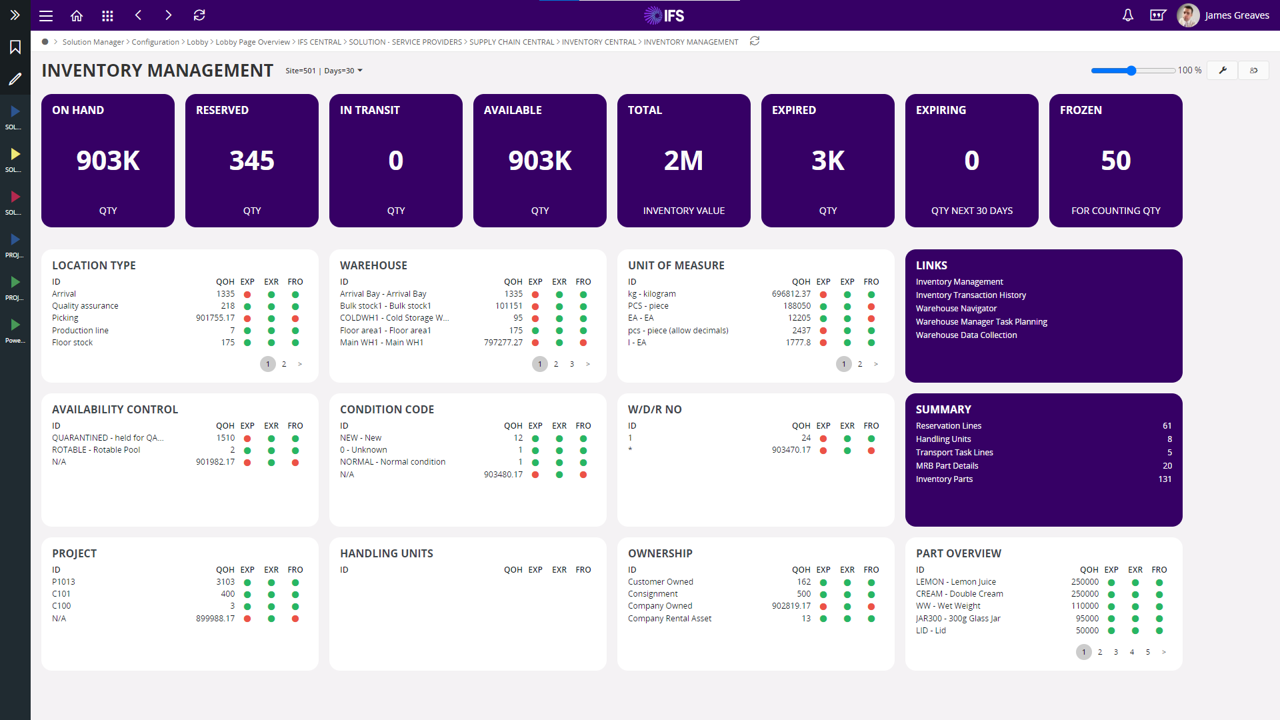
ERP inventory management can help businesses define minimum stock levels, monitor inventory thresholds, and identify items that need replenishment. Some systems can also generate reorder suggestions when stock reaches a defined level.
Low Stock Alerts
Identify products approaching their minimum stock level before they become unavailable.
Reorder Suggestions
Use inventory levels and predefined rules to support more timely purchasing decisions.
Stock Optimization
Balance product availability with the need to avoid unnecessary excess inventory.
6. Tracks Every Stock Movement
Inventory control is not only about knowing how many products are available. Businesses also need to understand how stock moved through the organization.
ERP inventory management can record activities such as goods receiving, sales, returns, warehouse transfers, stock adjustments, and other inventory transactions.
A clear movement history makes it easier for businesses to investigate stock discrepancies, understand inventory changes, and maintain stronger operational control.
Purchase & Receive
Products are received into the warehouse and inventory quantities are updated.
Store & Transfer
Stock can be assigned to locations and transferred between warehouses when required.
Sell & Dispatch
Sales and dispatch activities reduce available inventory according to the transaction.
Monitor & Report
Managers can review stock movements, inventory levels, and important stock-related reports.
7. Helps Businesses Make Better Inventory Decisions
Inventory decisions affect sales, cash flow, warehouse space, purchasing, and customer satisfaction. Without reliable inventory information, managers may have to make purchasing and stocking decisions based on assumptions.
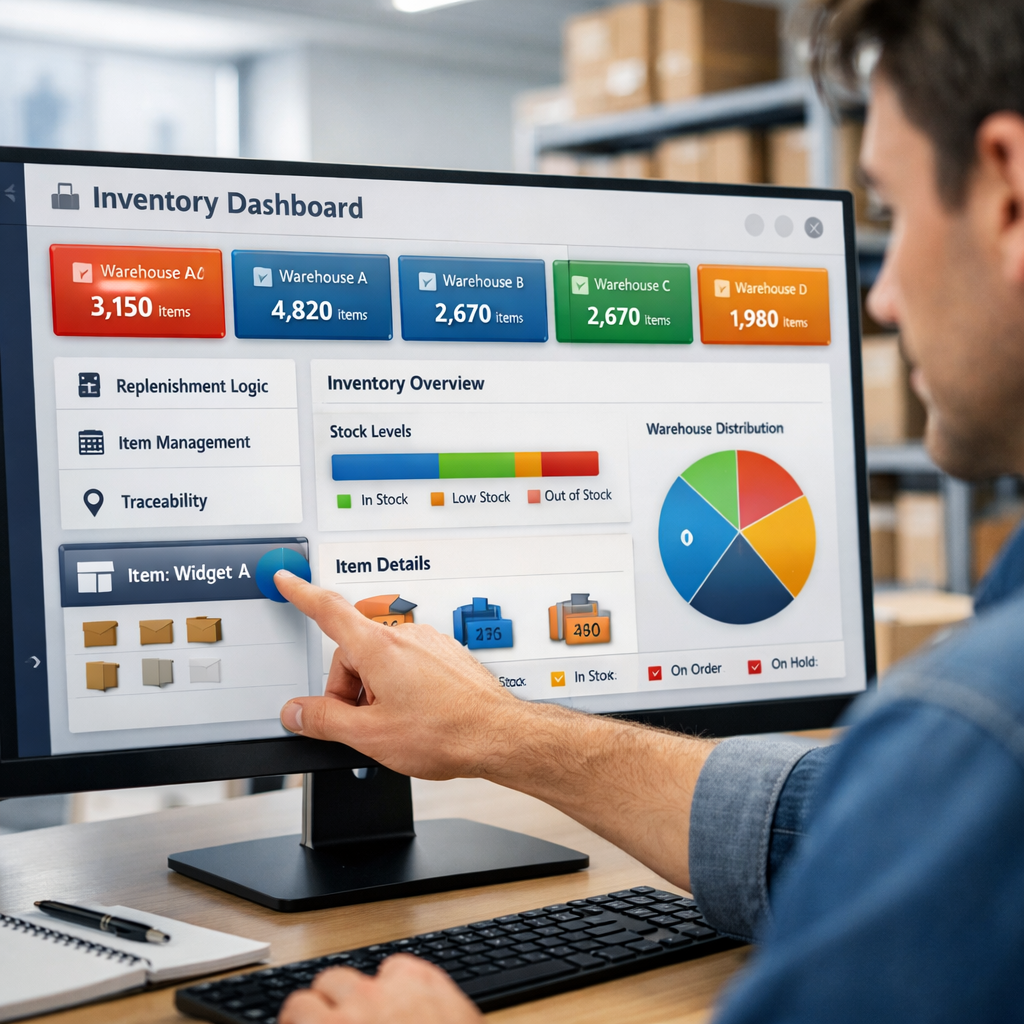
ERP inventory dashboards can bring together stock quantities, warehouse information, inventory movement, product status, and other operational metrics. This gives managers better information for deciding what to purchase, where to keep stock, and which products need attention.
With better inventory visibility, businesses can move from reactive stock management toward a more proactive approach based on current data and business requirements.
Why ERP Inventory Management Matters as a Business Grows
Inventory complexity usually increases as a company adds more products, customers, suppliers, warehouses, branches, and sales channels. A process that works with a few hundred products may become difficult to manage when the business handles thousands of SKUs across multiple locations.
More Products
Larger product catalogs require better SKU, category, variant, and stock-level management.
More Locations
Multiple warehouses and branches require centralized visibility and controlled stock transfers.
More Transactions
Higher sales, purchases, returns, and transfers make manual inventory updates increasingly difficult.
More Control Required
Growing businesses need stronger inventory controls, reporting, approvals, and stock visibility.
What to Look for in ERP Inventory Management Software
The right ERP inventory solution should support the way your business purchases, stores, moves, sells, and reports on stock. Important capabilities may include:
- Real-time inventory tracking
- Multi-warehouse and multi-location stock control
- Barcode and QR code support
- Stock receiving and dispatch management
- Stock transfer between warehouses
- Minimum and maximum stock-level controls
- Low-stock and reorder alerts
- Batch, lot, and expiry-date tracking where required
- Serial number tracking for applicable products
- Stock adjustment and approval workflows
- Inventory valuation and stock reports
- Integration with sales, purchasing, accounting, and other ERP modules
Conclusion
Effective stock control requires more than simply counting products. Businesses need accurate information about what is available, where inventory is stored, how stock is moving, and when additional products need to be purchased.
ERP inventory management brings these activities together in one connected environment. Real-time stock visibility, multi-warehouse control, barcode operations, stock movement tracking, and automated replenishment support can help businesses maintain more reliable inventory records.
As a business grows, an integrated ERP inventory system can provide the visibility and control needed to manage stock more efficiently while supporting better purchasing, warehouse, sales, and operational decisions.
Take Control of Your Inventory
Explore how ERP inventory management can help your business improve stock accuracy, manage warehouses, automate replenishment, and gain better visibility across inventory operations.
Explore ERP Solutions