7 Ways ERP Software Can Improve Business Efficiency

As your business grows, managing finance, sales, inventory, purchasing, HR, and operations becomes increasingly complex. When these activities depend on spreadsheets, disconnected applications, and manual processes, your team can spend more time managing information than getting work done.
ERP software helps businesses overcome these challenges by connecting important business processes through one integrated system. Instead of maintaining separate information across different tools, your teams can work with connected data and standardized workflows.
This can help reduce repetitive work, improve data accuracy, speed up business processes, and give managers better visibility into day-to-day operations.
In this article, we'll explore 7 practical ways ERP software can improve business efficiency and help organizations operate with greater speed, accuracy, and control.
In This Article
1. Automates Repetitive Tasks
Repetitive administrative work can consume a significant amount of employee time. Data entry, invoice processing, order updates, inventory records, and report preparation are examples of tasks that may require repeated manual effort.
ERP software can automate many routine activities and connect related processes. This means employees can spend less time entering the same information and more time focusing on work that requires human judgment.
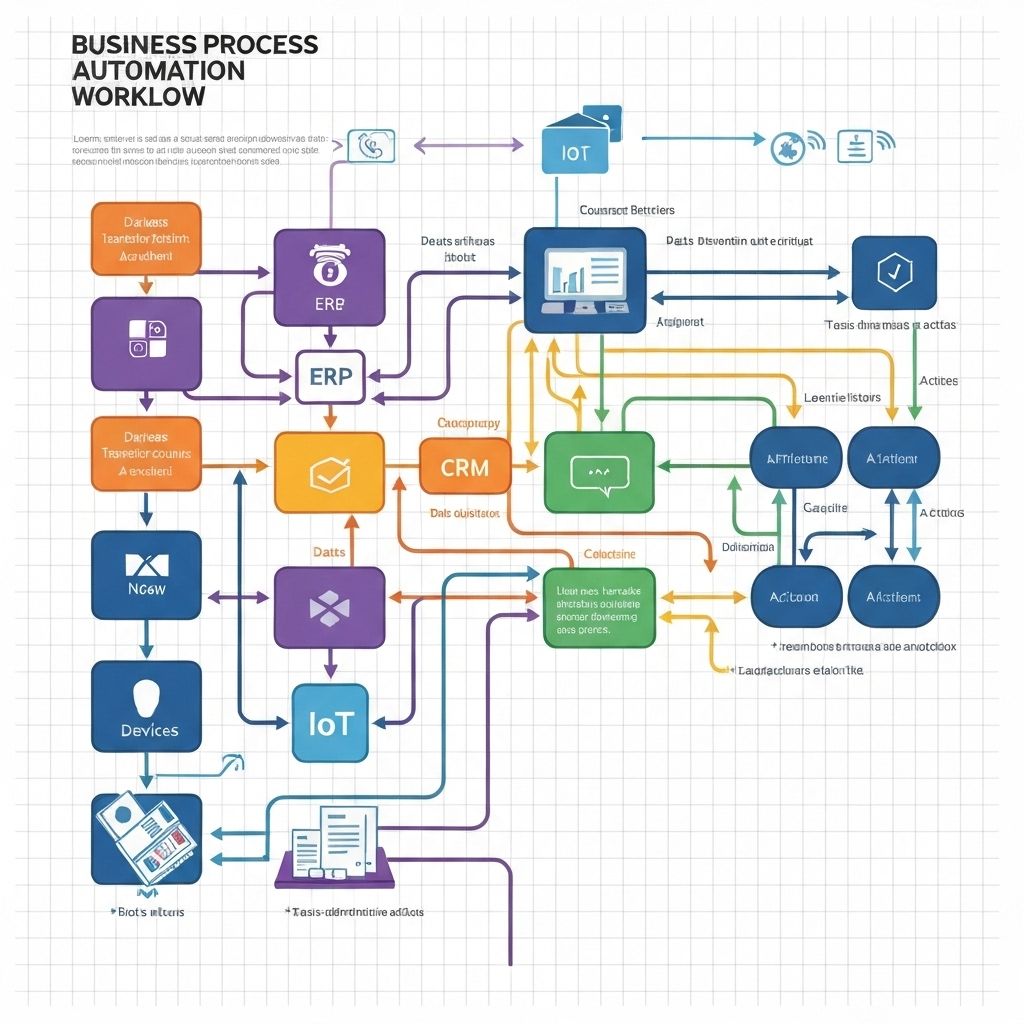
Manual Processes
Employees may repeatedly enter information into spreadsheets, emails, and separate business systems.
Automated Workflows
Connected workflows can move information between related processes and reduce unnecessary manual work.
2. Centralizes Business Data
Business efficiency depends on having reliable information available when employees need it. If every department maintains separate records, your team may spend hours searching for data, comparing spreadsheets, or resolving inconsistencies.
ERP software brings important business information into a connected environment. Finance, sales, purchasing, inventory, HR, and other departments can work with information from the same integrated system.

One Connected Source of Business Information
- Finance can access relevant sales and purchasing information.
- Inventory teams can work with centralized stock information.
- Sales teams can access updated customer and order information.
- Managers can view information across multiple departments.
- Employees spend less time searching for scattered data.
3. Improves Real-Time Business Visibility
Managers cannot make effective decisions when they are relying on outdated information. Waiting for different departments to prepare reports can slow down important business decisions.
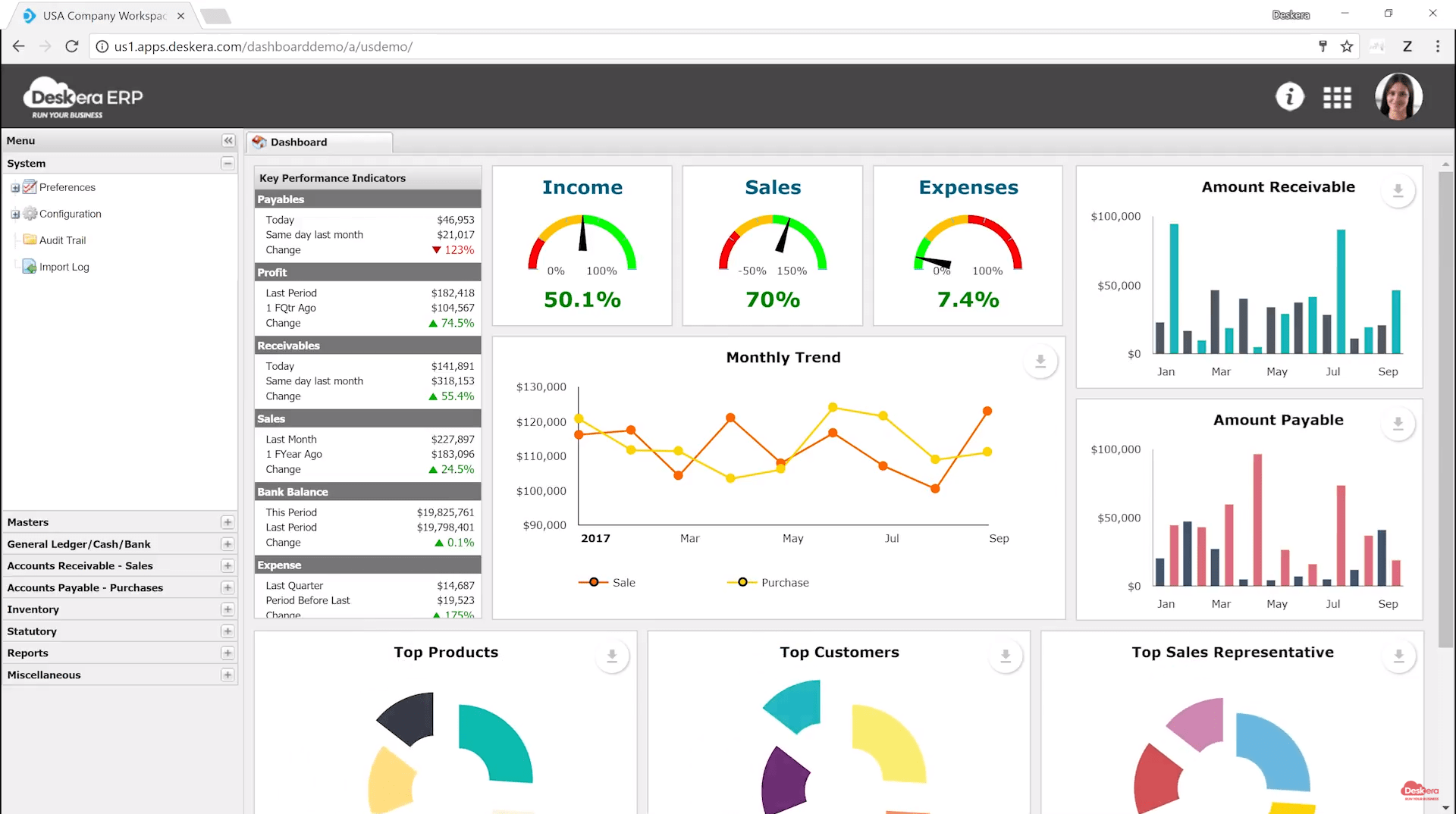
ERP software can provide centralized dashboards and reports that make important operational information easier to monitor.
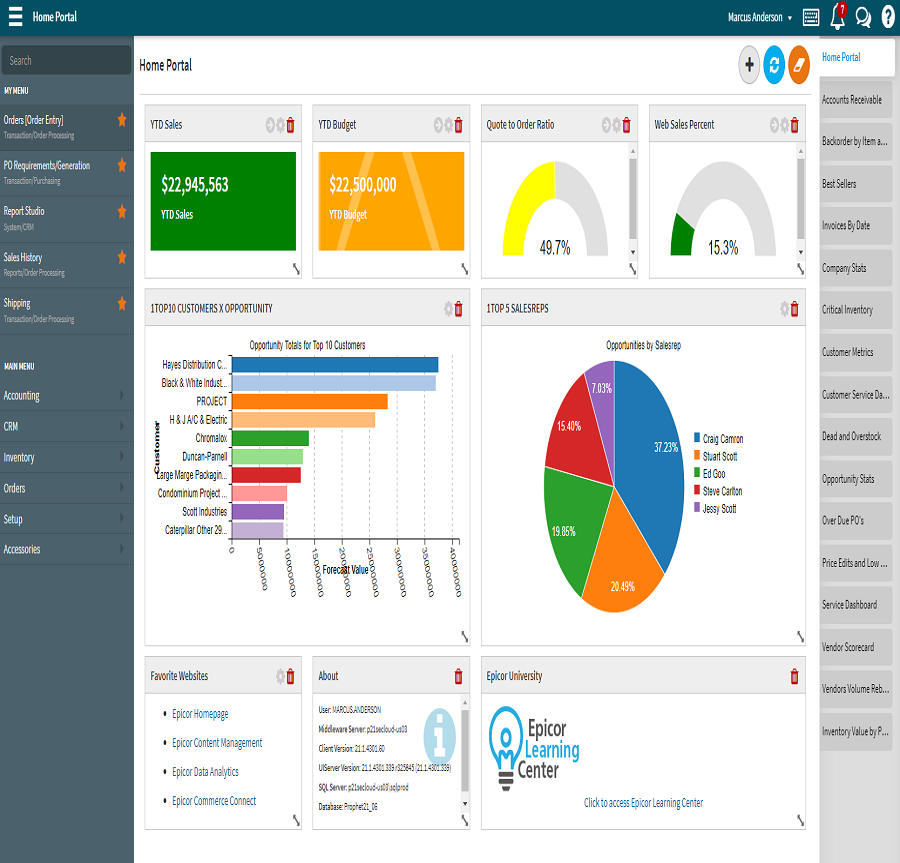
Sales Visibility
Monitor sales activity, orders, customers, and revenue information more efficiently.
Inventory Visibility
Track stock information and identify inventory issues more quickly.
Performance Visibility
Monitor key business metrics and understand operational performance.
4. Streamlines Business Processes
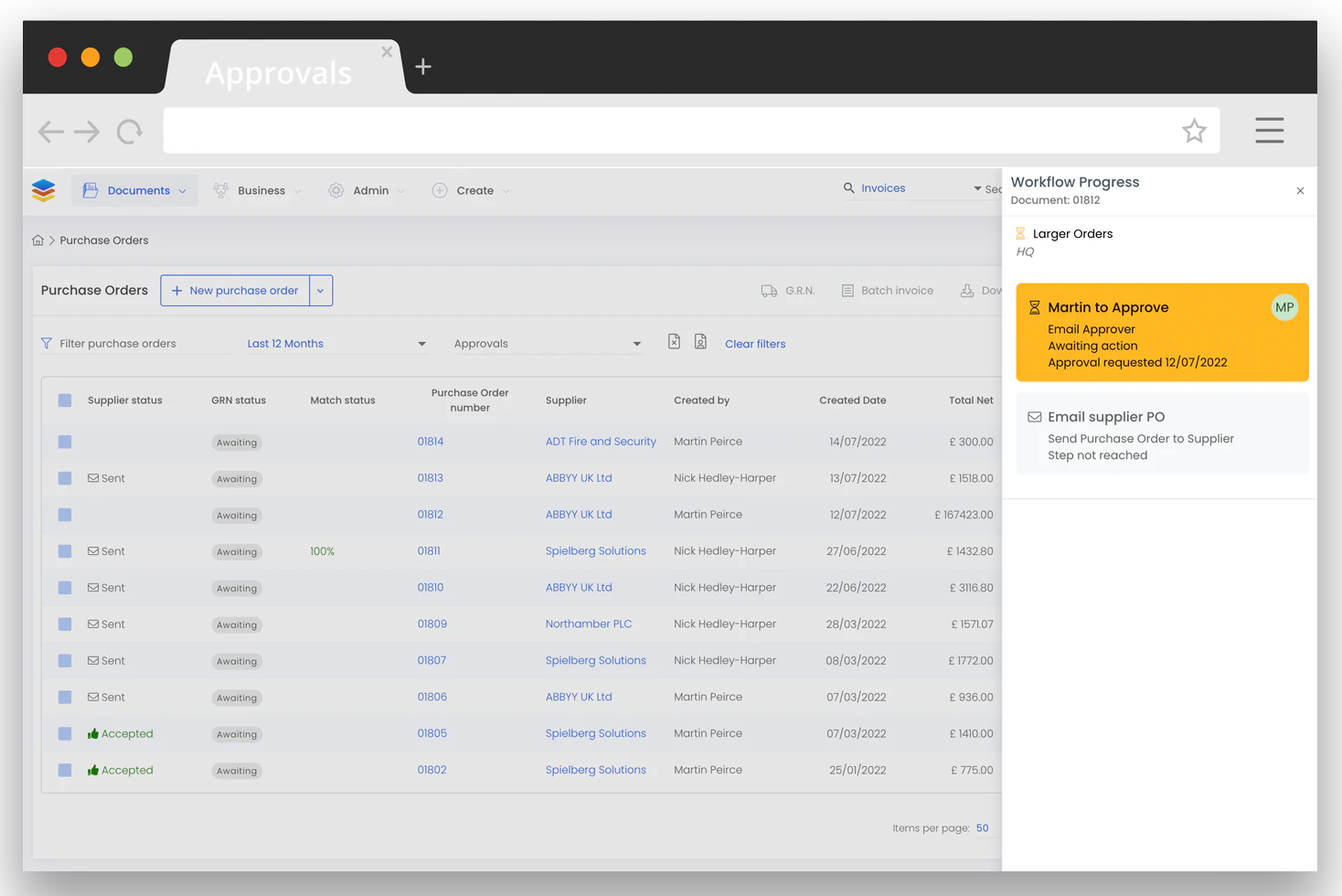
Inefficient workflows can create unnecessary delays. For example, purchase requests may move between employees through emails, spreadsheets, or paper documents before they are finally approved.
ERP software can standardize these workflows and make each step easier to track.
5. Reduces Errors and Operating Costs
Manual data entry and disconnected systems can increase the possibility of errors. Incorrect inventory quantities, duplicate records, inconsistent customer information, and manual reporting can all create additional work.
By connecting business processes and reducing unnecessary manual data entry, ERP software can help improve consistency and reduce avoidable operational work.
| Business Area | Efficiency Challenge | ERP Approach |
|---|---|---|
| Finance | Repeated financial data entry | Integrated financial workflows |
| Inventory | Inconsistent stock records | Centralized inventory data |
| Sales | Disconnected customer information | Integrated sales data |
| Purchasing | Slow approval processes | Automated workflows |
| Reporting | Manual report preparation | Centralized reporting |
6. Improves Team Collaboration
Different departments depend on each other every day. Sales may need inventory information, purchasing may need demand data, and finance may need transaction details.
When departments work with disconnected systems, communication can become slower and employees may work with different versions of the same information.
ERP software connects departments through shared information and standardized processes, making collaboration easier.

- Teams can access relevant information from one system.
- Departments can coordinate business activities more efficiently.
- Employees can reduce unnecessary spreadsheet and email exchanges.
- Managers can monitor workflows and responsibilities more clearly.
7. Enables Faster, Smarter Business Decisions
Business efficiency is not only about completing tasks faster. It is also about making better decisions with reliable business information.
ERP software can connect operational and financial information, helping managers understand what is happening across the organization.

Faster Reporting
Reduce the time required to collect information from different departments and prepare business reports.
Better Business Insights
Use connected business information to understand performance and support more informed decisions.
How ERP Software Improves Business Efficiency
These seven improvements work together. Automation reduces manual work. Centralized data reduces information silos. Real-time visibility improves operational control. Streamlined workflows reduce delays. Better data consistency can reduce errors. Connected departments improve collaboration, while reporting and analytics help managers make faster decisions.
| # | ERP Improvement | Business Efficiency Impact |
|---|---|---|
| 1 | Task Automation | Less manual work and improved productivity |
| 2 | Centralized Data | Better information access and consistency |
| 3 | Real-Time Visibility | Faster monitoring and operational control |
| 4 | Process Streamlining | Fewer delays and more consistent workflows |
| 5 | Error Reduction | Less rework and lower operational waste |
| 6 | Team Collaboration | Better coordination between departments |
| 7 | Smarter Decisions | Faster access to useful business insights |
What to Look for in ERP Software
The right ERP system should improve the way your business actually operates. Instead of choosing software based only on the number of features, evaluate how well the system supports your workflows, employees, data, and growth plans.
- Integrated finance, sales, inventory, purchasing, and HR modules.
- Workflow automation for repetitive business processes.
- Real-time dashboards and business reporting.
- Secure role-based access for employees and departments.
- Scalable architecture that can support business growth.
- User-friendly interfaces that employees can adopt easily.
- Integration capabilities for other business applications.
Conclusion
Improving business efficiency is not simply about asking employees to work faster. Your systems, processes, information, and teams need to work together effectively.
ERP software can help create that connection. By automating repetitive tasks, centralizing business data, improving real-time visibility, streamlining workflows, reducing errors, improving collaboration, and supporting faster decisions, ERP software can help businesses operate more efficiently.
The key is choosing an ERP solution that fits your business processes and gives your teams the tools they need to work smarter as your organization grows.
Ready to Improve Your Business Efficiency?
Discover how the right ERP software can help you automate processes, connect business data, improve collaboration, and make smarter decisions.
Explore ERP Solutions